
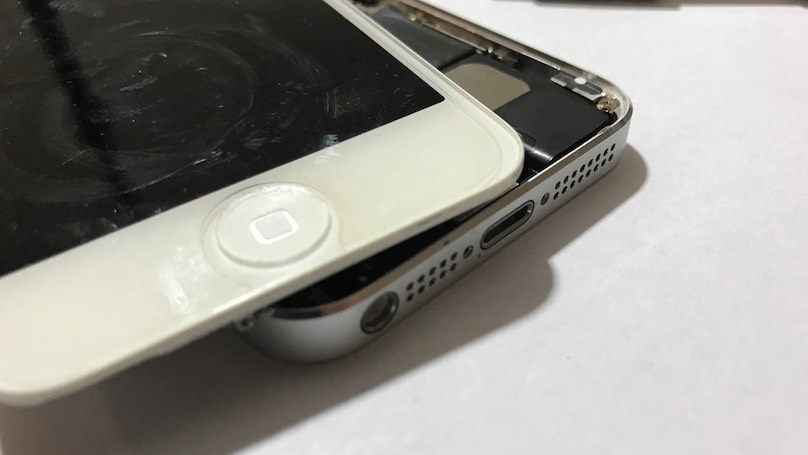
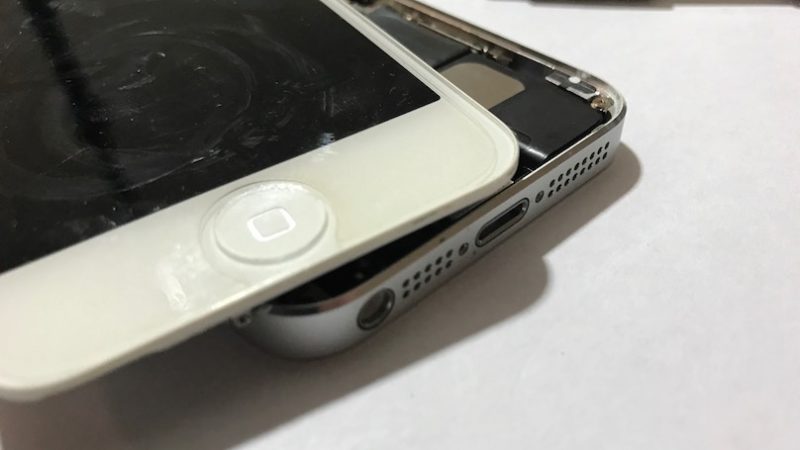
The Home button is one of the most important buttons on an iPhone. You can use the Home button to unlock your iPhone, navigate to the Home screen, activate Siri, and so much more. When your Home button stops working, it’s important to get it repaired as soon as possible.
While you’re waiting to get your Home button fixed, you can set up a “virtual Home button” by going into the Settings app and tapping General -> AssistiveTouch and tapping the switch next to AssistiveTouch. You’ll know the switch is on when it is green.
When you turn on AssistiveTouch, a virtual Home button will appear on your screen and give you much of the same functionality your physical Home button does. However, this really isn’t a permanent fix. Fortunately, there are plenty of companies near you that will fix and repair the physical Home button on your iPhone.